GPT Image 2.5 is now available in GPTImagine 2.5Try now

GPT Image 2.5 AI Generator for Creation and Editing

Turn text prompts and reference images into polished visuals with GPT Image 2.5. Create original images, make focused edits, improve text inside graphics, and export in the aspect ratio and resolution your project needs.
Start with a prompt or reference image and create in seconds.

Create production-ready images with GPT Image 2.5

Move from a written brief to campaign visuals, product concepts, editorial artwork, social graphics, and design mockups in one browser-based workflow. Use the same workspace for new generations and reference-guided edits.

GPT Image 2.5 features for practical image work

Build visuals with detailed prompts, edit selected details without restarting, place clearer text inside images, and guide composition with reference images.

Detailed prompt understanding

Describe the subject, camera, lighting, materials, colors, layout, and mood in one prompt. GPT Image 2.5 keeps more of those instructions aligned in the generated composition.

Focused image editing

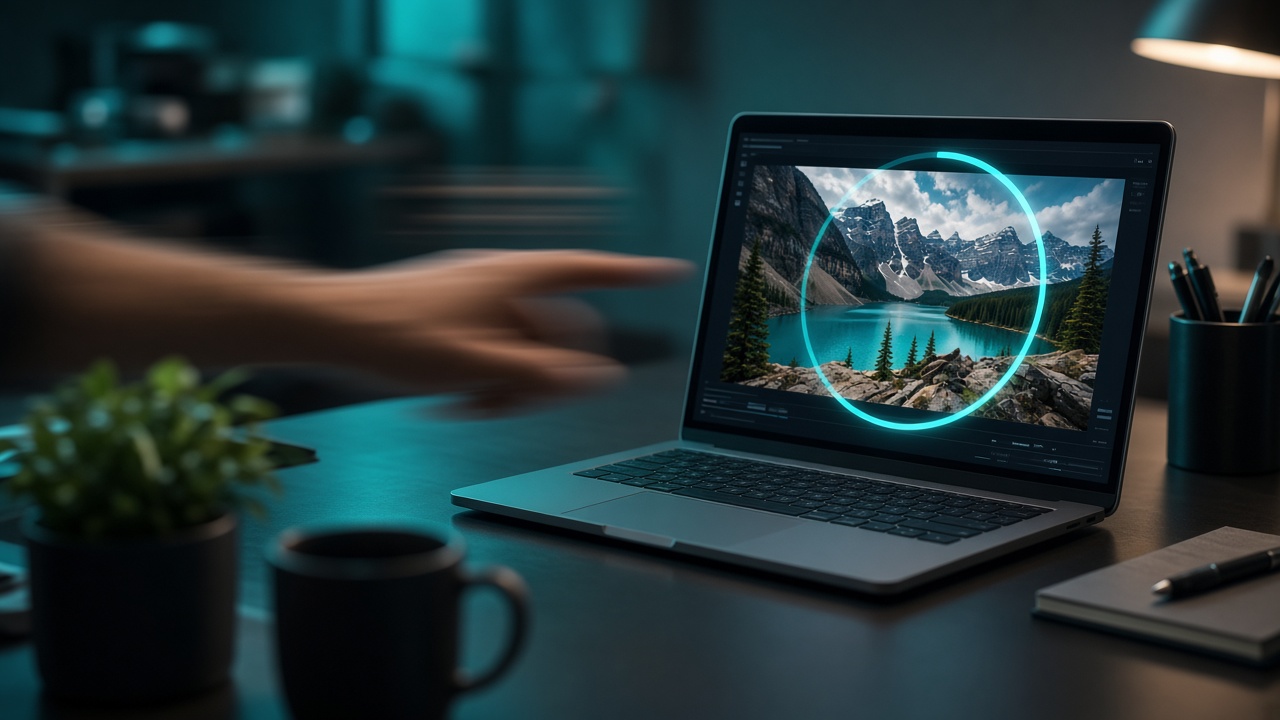
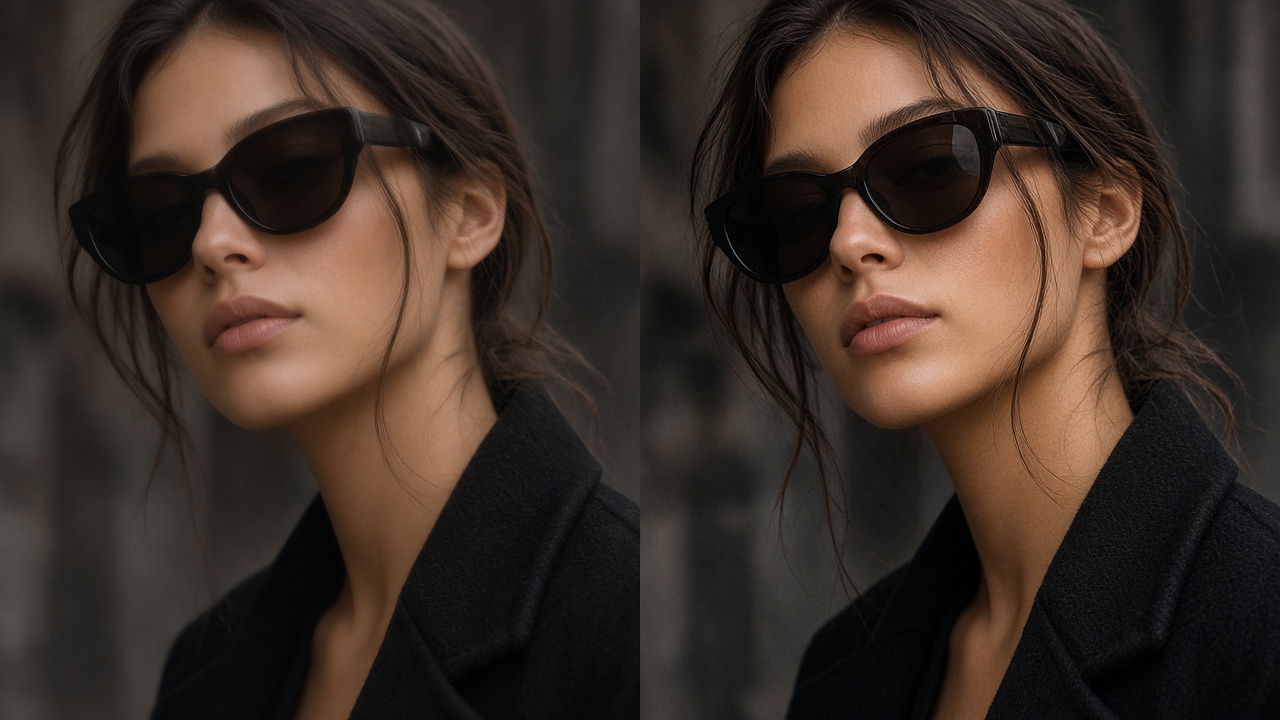
Upload an image and request a specific change, such as replacing a background, adjusting a product color, changing an object, or refining a small visual detail.

Stronger text inside images

Create posters, packaging concepts, thumbnails, and social graphics with clearer titles and labels, then refine wording and placement through follow-up edits.

Reference-guided creation

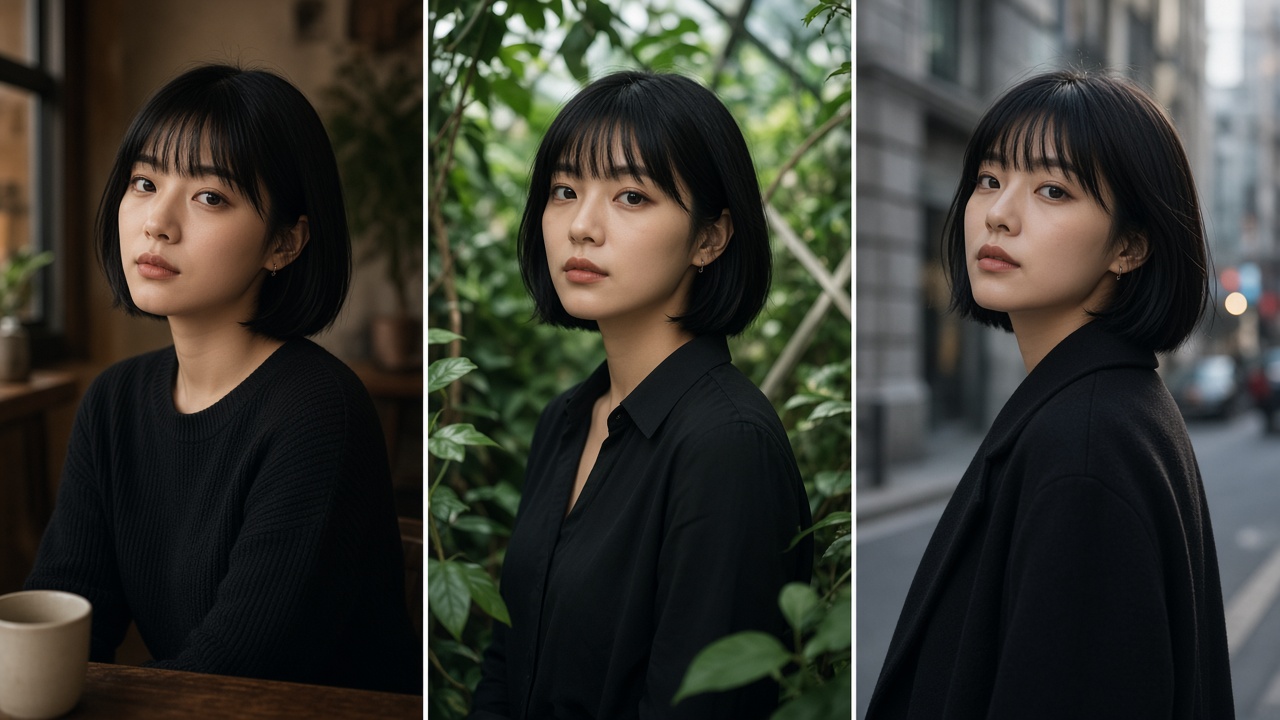
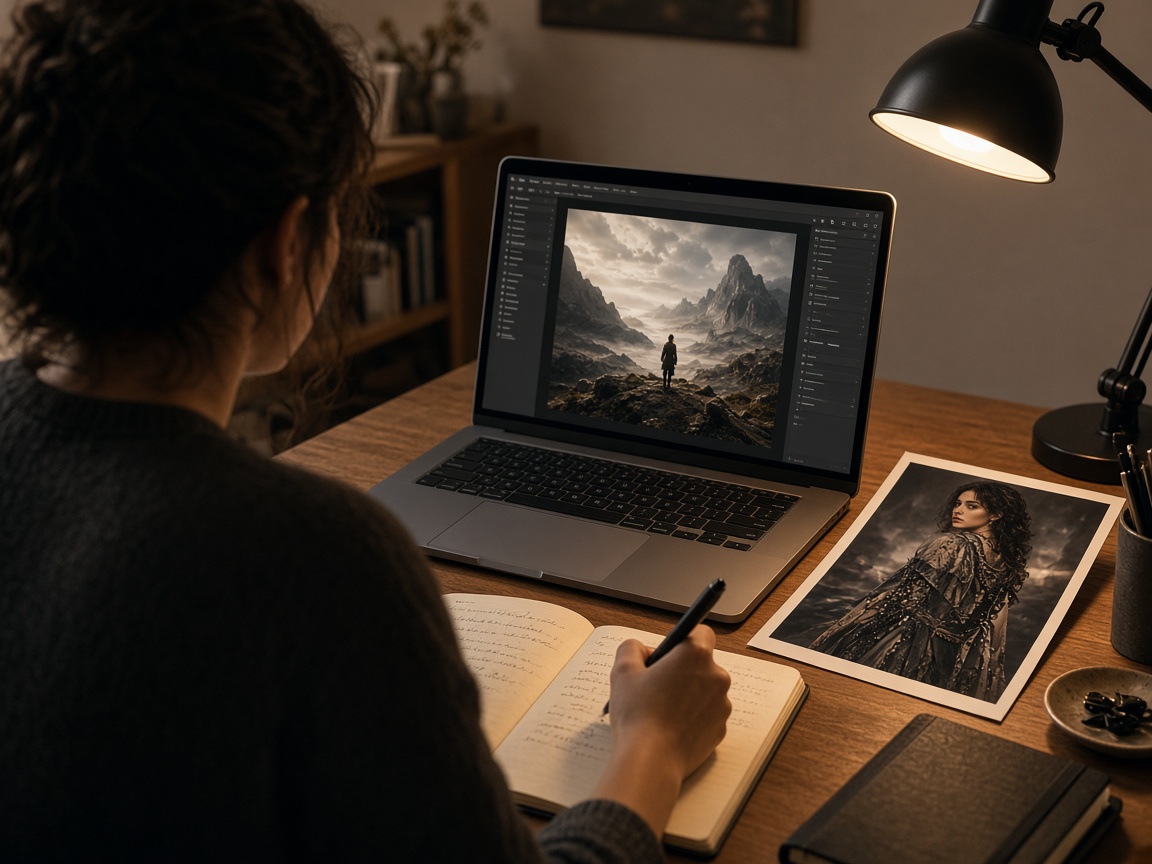
Use visual references to guide subject, style, palette, product appearance, or composition while keeping the final result shaped by your written prompt.

GPT Image 2.5 Use Cases

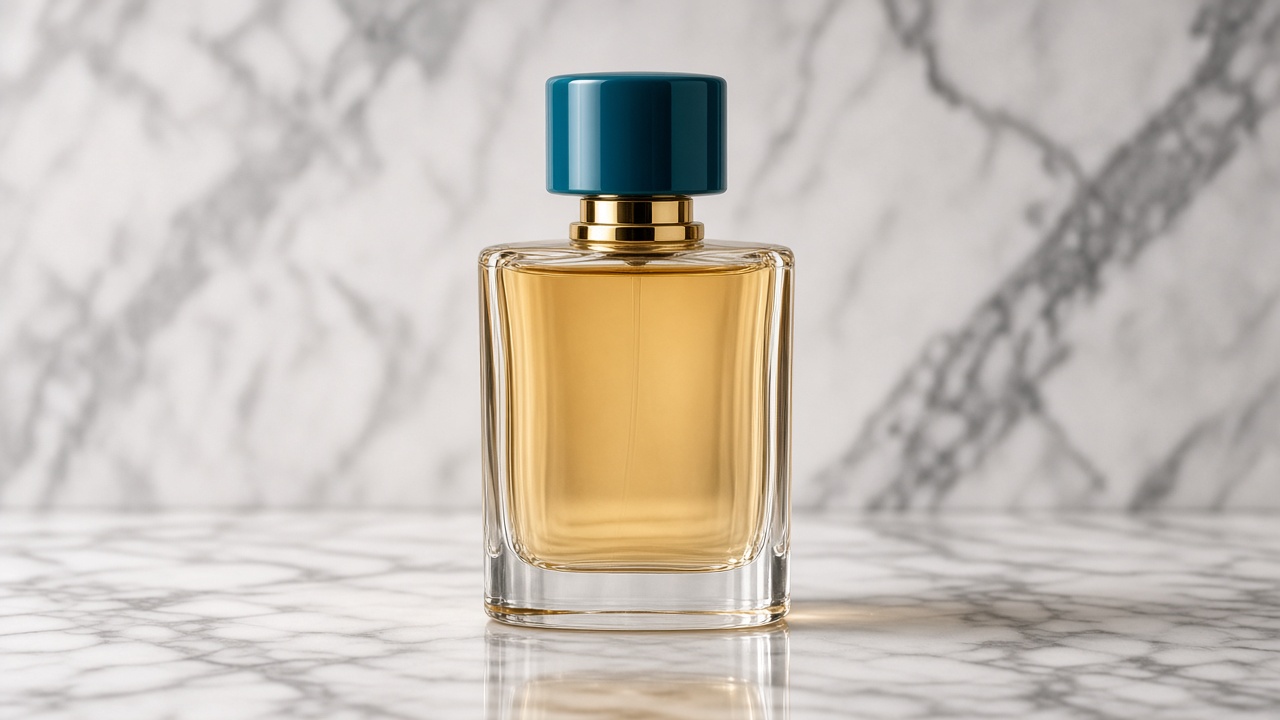
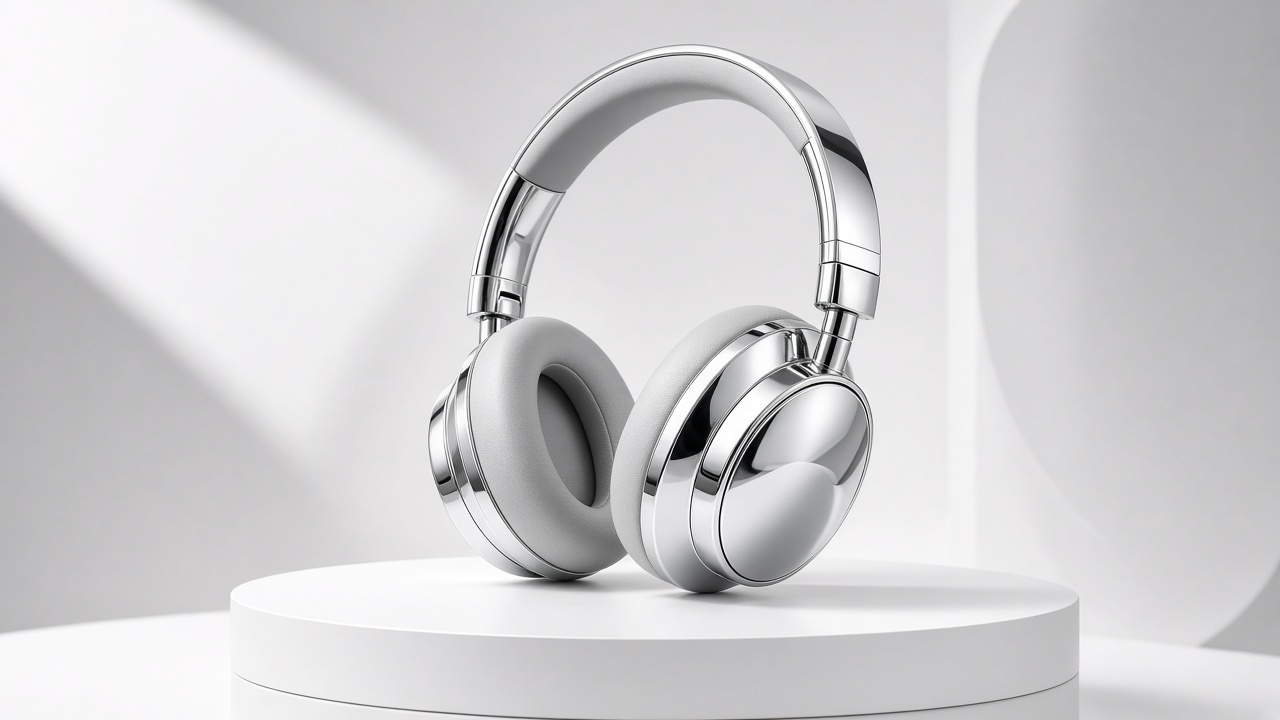
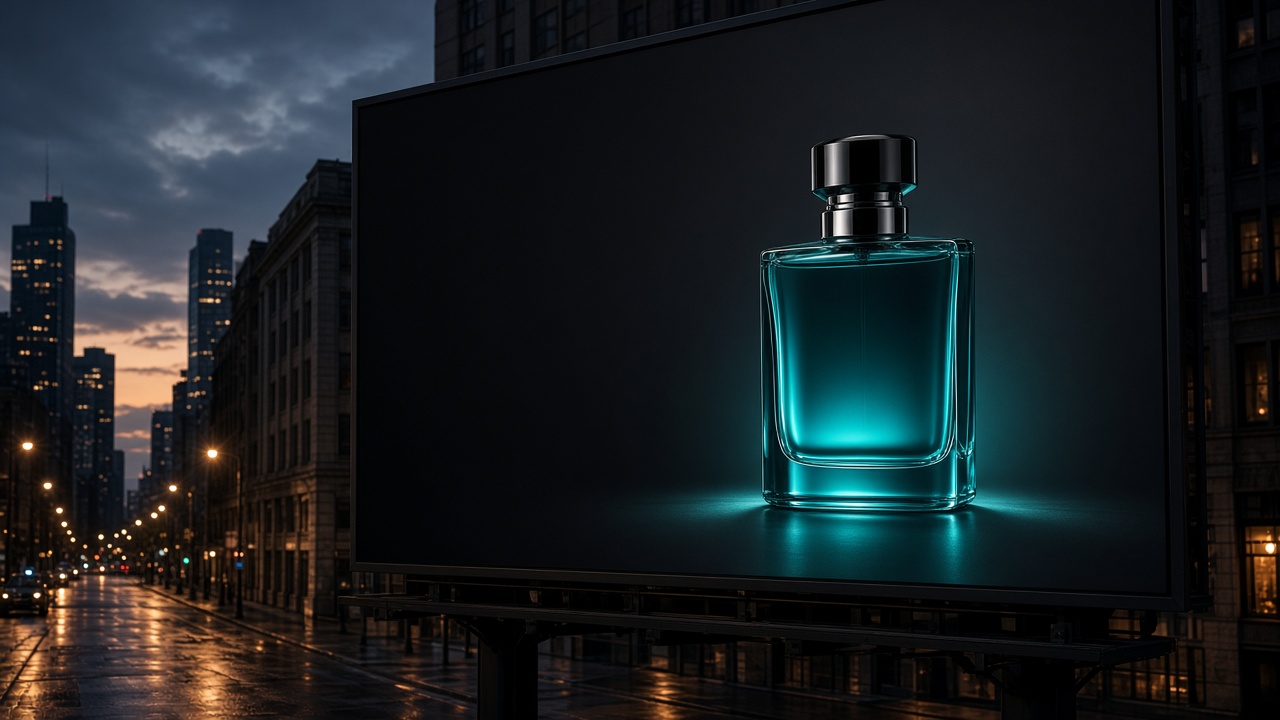
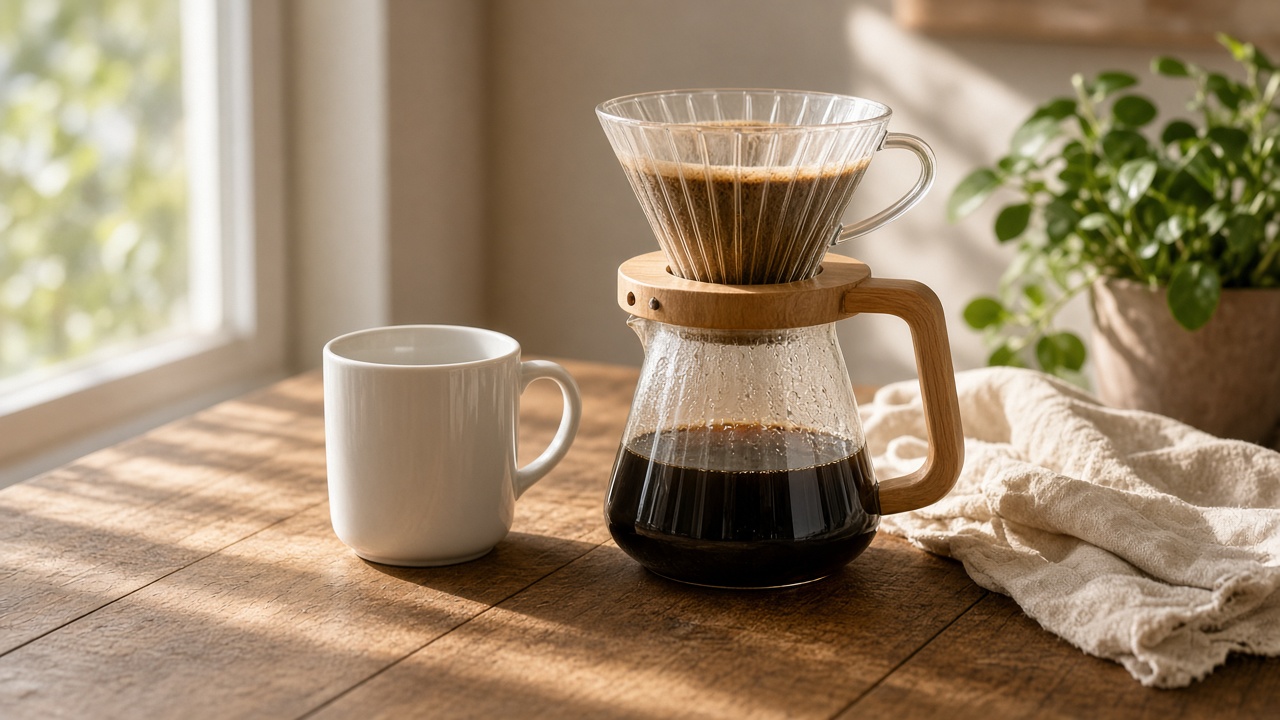
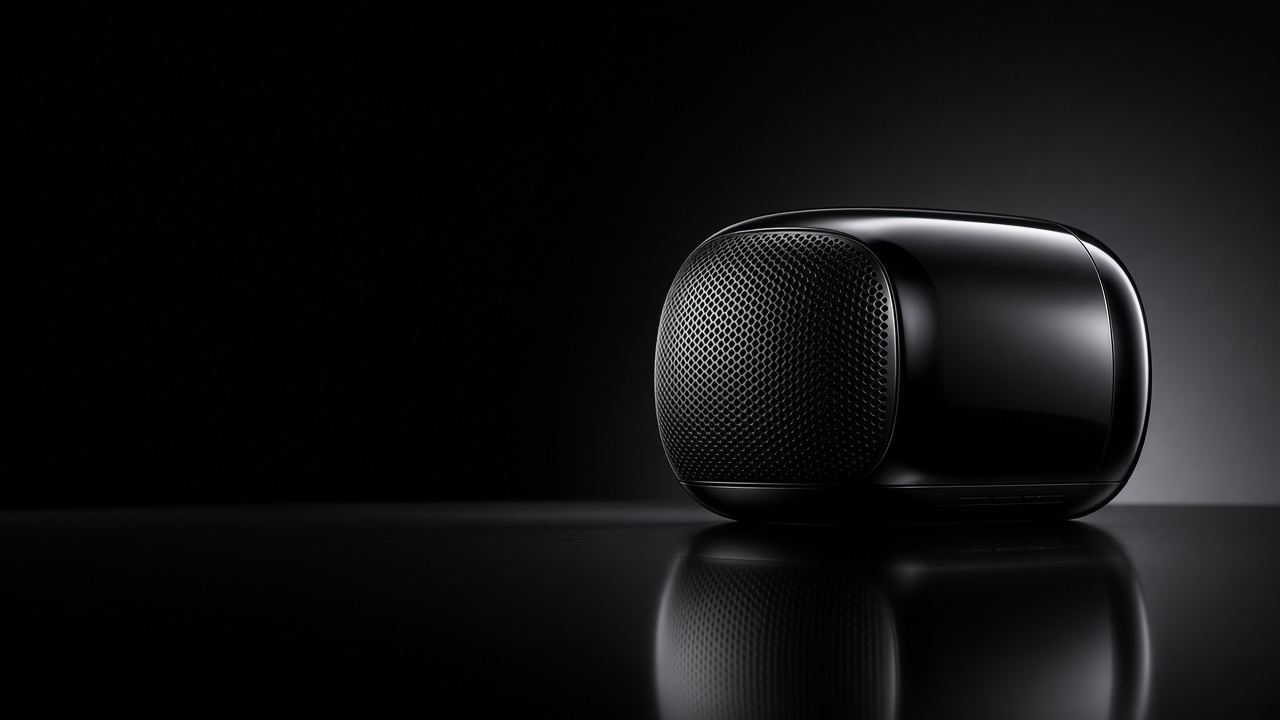
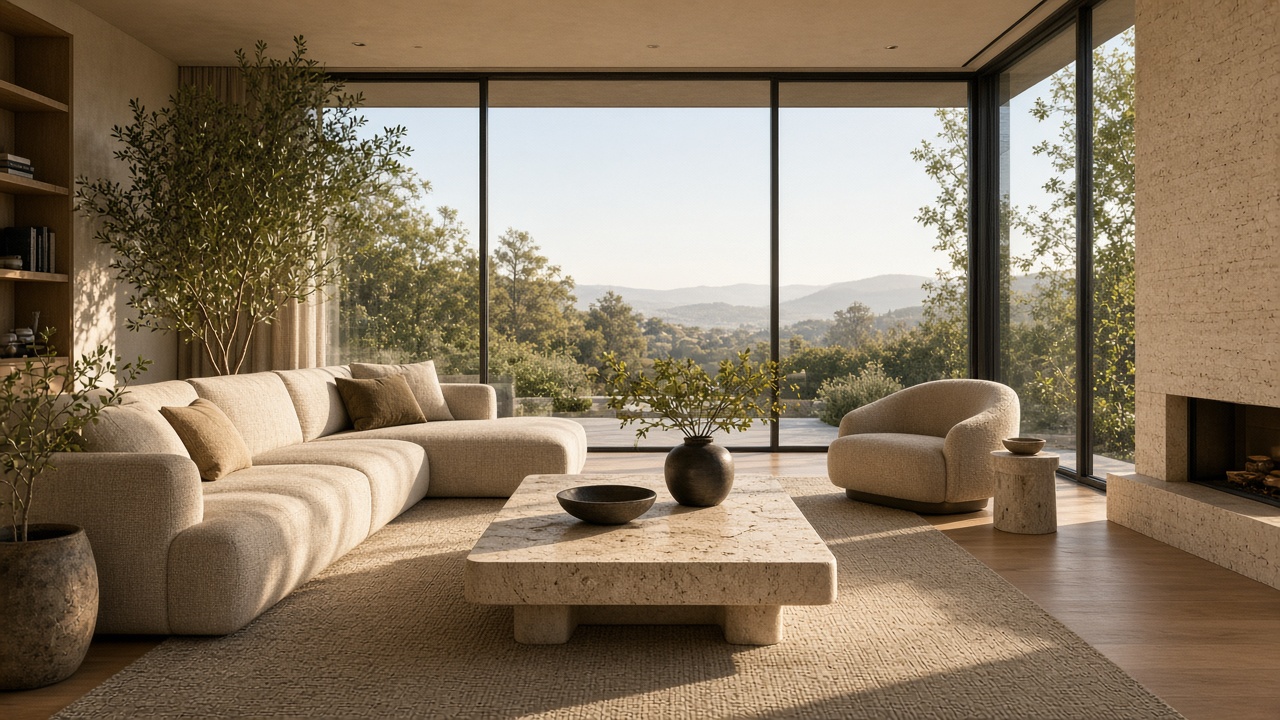
Create a premium product hero with studio lighting, accurate material detail, clean negative space for typography, and consistent brand color accents.

Benefits of using GPT Image 2.5 in GPTImagine 2.5

Reduce the distance between an idea and a usable visual. GPT Image 2.5 supports both first-pass generation and targeted correction, so creators can refine assets without rebuilding every concept from zero.

Produce commercial visuals with fewer revisions

Produce commercial visuals with fewer revisions

Precise edits let you adjust materials, labels, colors, and layout details without recreating the entire image.

Keep subjects consistent across a series

Keep subjects consistent across a series

Anchored composition helps characters, products, and style stay coherent from one generation to the next.

Built for ads, ecommerce, and creative systems

Built for ads, ecommerce, and creative systems

Move from brief to publishable stills faster — then hand strong frames into Seedance 2.5 for video when needed.

Best AI Image Model Use Cases with GPT Image 2.5

Use GPT Image 2.5 for product concepts, ads, social content, posters, editorial artwork, presentation visuals, storyboards, and reference-guided creative exploration.

Product marketing & commercial design

Product marketing & commercial design

Create production-ready product photos, packaging concepts, and advertising creatives with clean edits and consistent style.

Campaign banners & ecommerce posters

Campaign banners & ecommerce posters

Design strong ad creatives and landing visuals with clear layouts, flexible prompt edits, and room for copy.

Storyboards & video first frames

Storyboards & video first frames

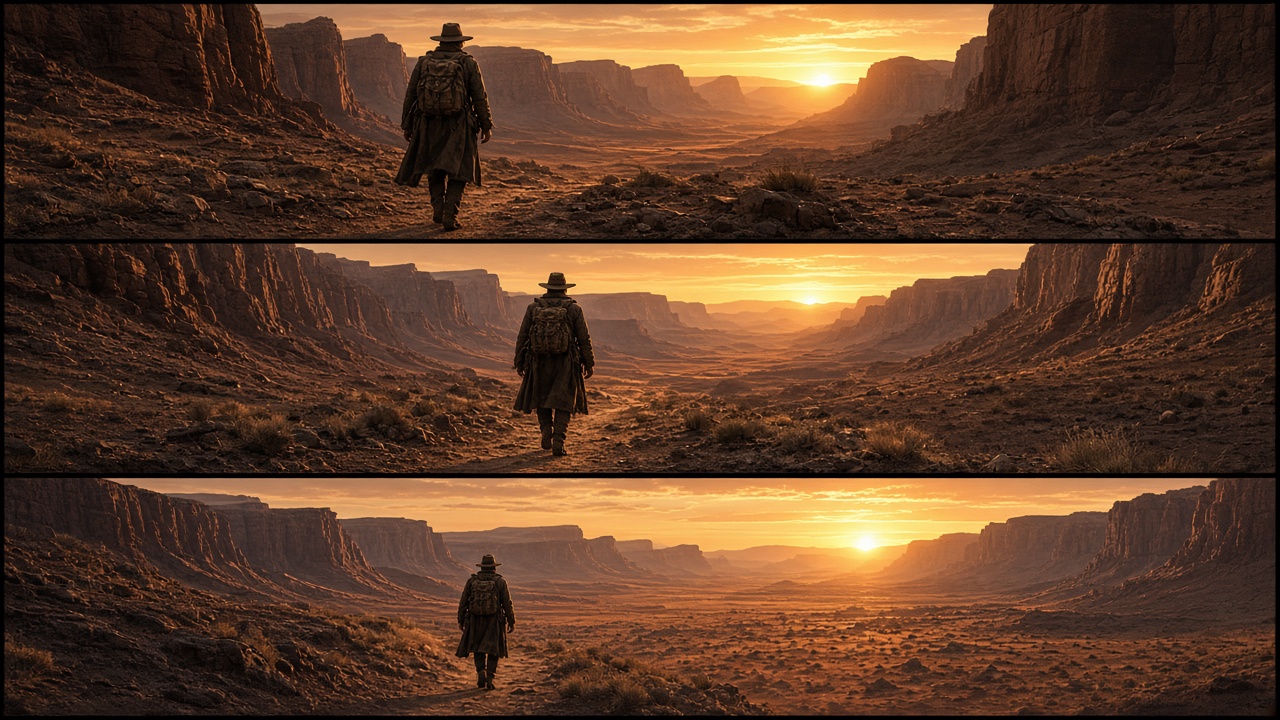
Build visually consistent concept frames and storyboard panels that become a strong foundation for Seedance 2.5 video generation.

How to use GPT Image 2.5 AI image generator?

Write a clear prompt or upload a reference

GPT Image 2.5 Pricing: Plans, Credits, and Image Generation Costs

Try GPT Image 2.5 with welcome credits, then choose a plan based on your image volume and resolution needs. Each generation uses credits shown in the workspace before you create.

GPT Image 2.5 Price: Start Free and Create More for Less

New creators can explore GPTImagine 2.5 with free credits. Upgrade only when you need larger output volume, more generations, and faster creation.

GPT Image 2.5 Pricing: Plans, Credits, and Image Generation Costs

Tools List

What users say about our GPT Image 2.5 tool

★★★★★

The prompt workflow gets us from a rough campaign idea to a usable visual direction quickly, and focused edits make review rounds easier.

AM
Avery MorganCreative Director
★★★★★

Reference images and aspect-ratio controls make it practical for product concepts, landing-page graphics, and presentation mockups.

JL
Jordan LeeProduct Designer
★★★★★

Text placement is much easier to explore for posters and social graphics, especially when I refine one detail at a time.

RK
Riley KimBrand Designer

FAQs about GPT Image 2.5 AI generator

What can I create with GPT Image 2.5?

You can create marketing visuals, product concepts, posters, thumbnails, editorial artwork, social graphics, storyboards, and other images from a text prompt or visual reference.

Can GPT Image 2.5 edit an existing image?

Yes. Upload a reference image, describe the change you want, and generate an edited version. Clear, focused edit instructions usually produce the most controllable result.

Can GPT Image 2.5 generate text inside an image?

It can create titles, labels, signs, and short copy inside a visual. For important wording, review spelling and refine the prompt or edit the result before publishing.

Which aspect ratios and resolutions are available?

The workspace supports common square, portrait, landscape, and widescreen ratios, with resolution options for drafts and higher-detail output.

Can I use a reference image?

Yes. Reference images can guide an edit or help communicate the subject, palette, composition, and style you want to preserve.

Can I try GPT Image 2.5 for free?

Yes. New accounts receive welcome credits so you can test prompts, settings, and reference-image workflows before choosing a paid plan.

More tools you may like

Explore More AI Models

Create stunning images in an efficient AI workflow with GPT Image 2.5