Veo 3 AI Video Generator
Create polished AI videos with Veo 3. Combine prompts and visual references, control format and duration, and keep the full workflow in one browser-based studio.
25
Create polished AI videos with Veo 3. Combine prompts and visual references, control format and duration, and keep the full workflow in one browser-based studio.
Fast Veo video generation for rapid iterations Build social clips, product stories, cinematic concepts, and campaign visuals without moving between disconnected tools.
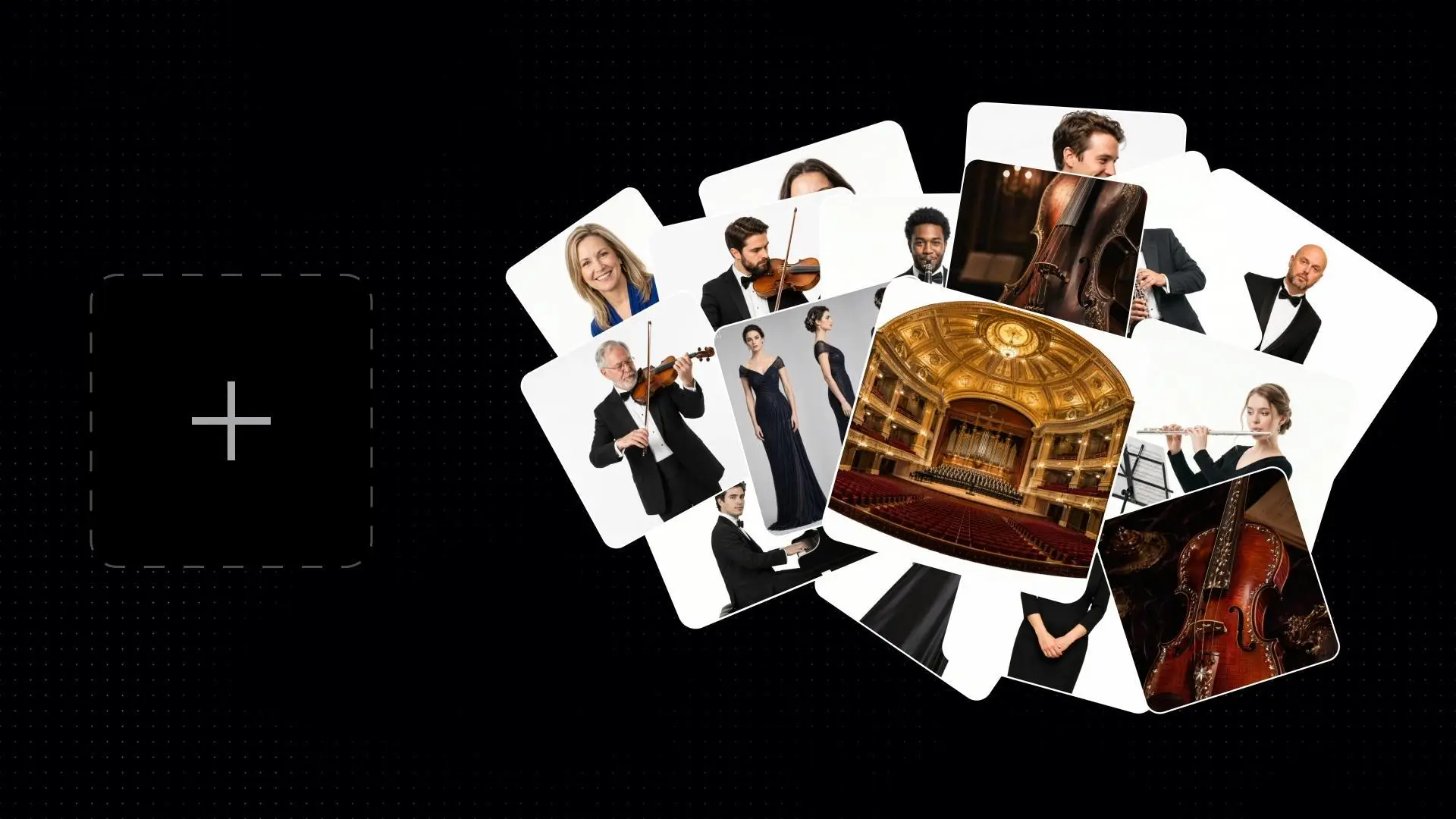
Guide characters, scenes, products, and motion with visual references alongside the prompt.
Choose a publishing-ready aspect ratio, resolution, and clip duration before generating.
Keep model selection, references, prompt direction, and output review in one continuous surface.
Open the dedicated video studio with the correct model already selected.
Write the scene and motion, then add a visual reference when it helps.
Review the format controls, start the task, and inspect the result in the same workflow.