
GPT Image 2 AI Image Generator
Create precise layouts, readable typography, brand graphics, UI concepts, and richly directed visual stories from one prompt.
5/image
Create precise layouts, readable typography, brand graphics, UI concepts, and richly directed visual stories from one prompt.
From bilingual campaign systems to UI boards and cinematic concept art, each example starts with a clear creative brief.
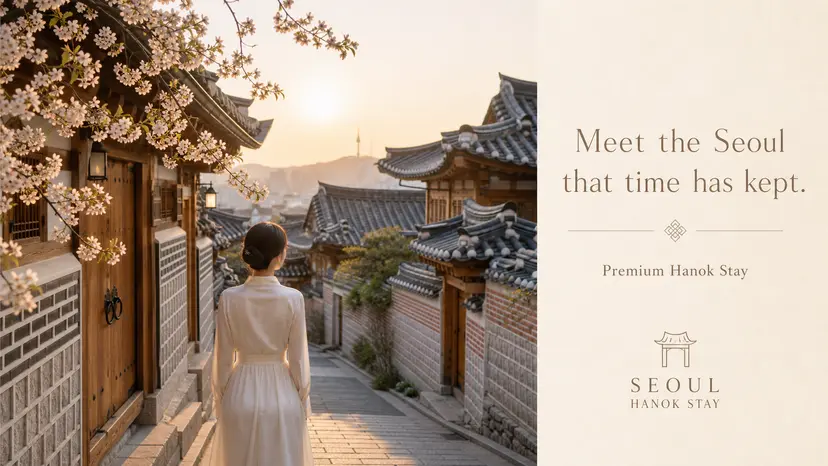
Balance Chinese and English typography inside an atmospheric campaign layout without turning the text into decoration.
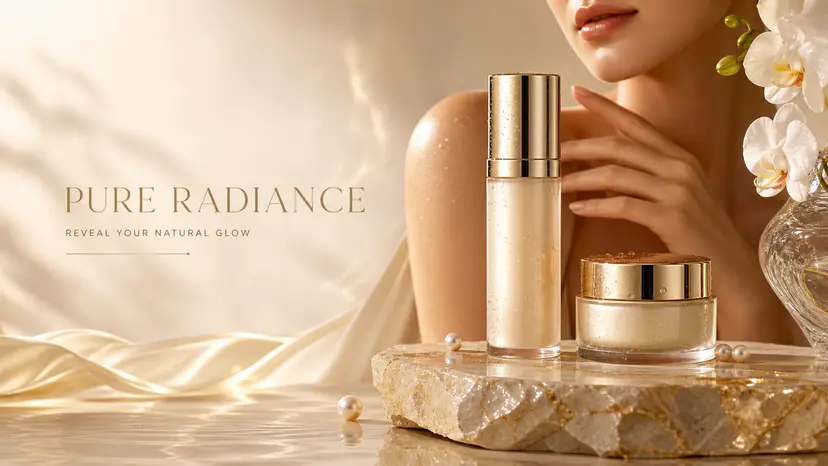
Place product, offer, benefit copy, and visual hierarchy into one polished commercial composition.
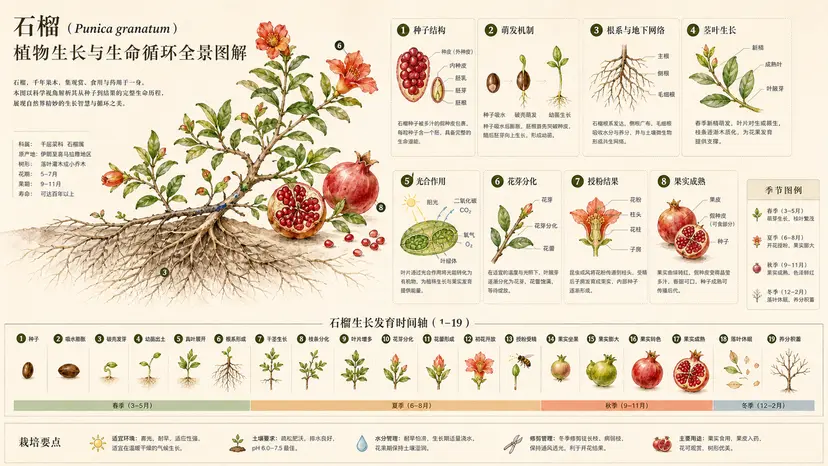
Combine scientific labels, illustrated specimens, and editorial spacing into a readable information graphic.
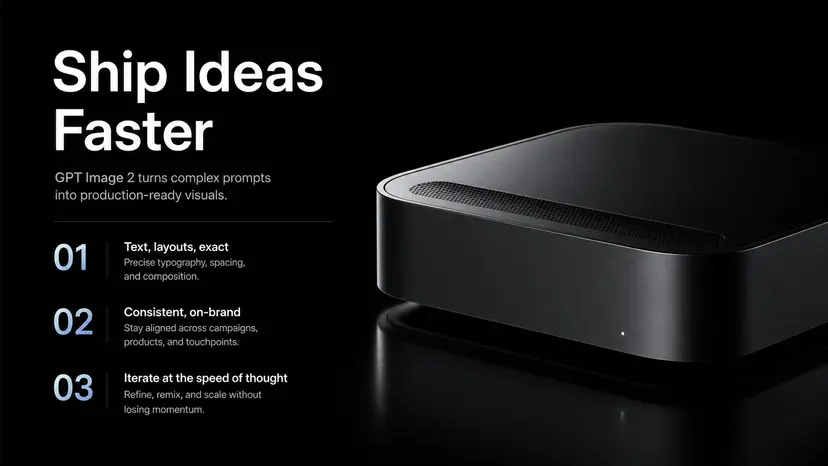
Generate an art-directed presentation slide with clean structure, purposeful copy, and coherent visual emphasis.
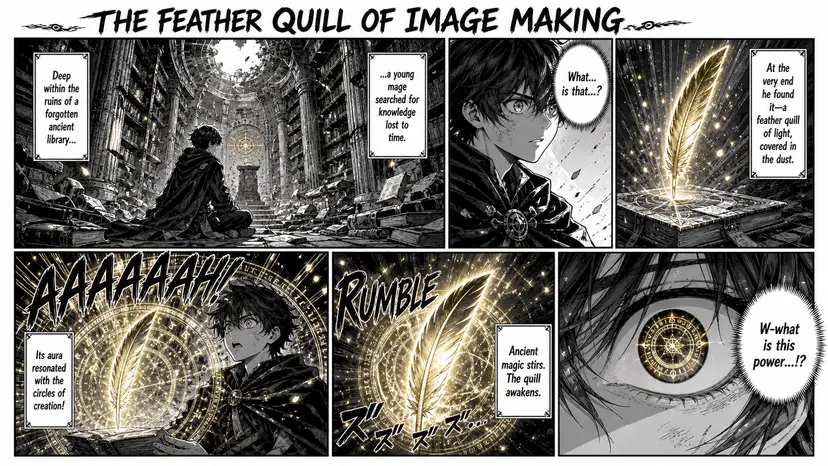
Direct panel rhythm, character continuity, brush texture, and dialogue placement in a single prompt.
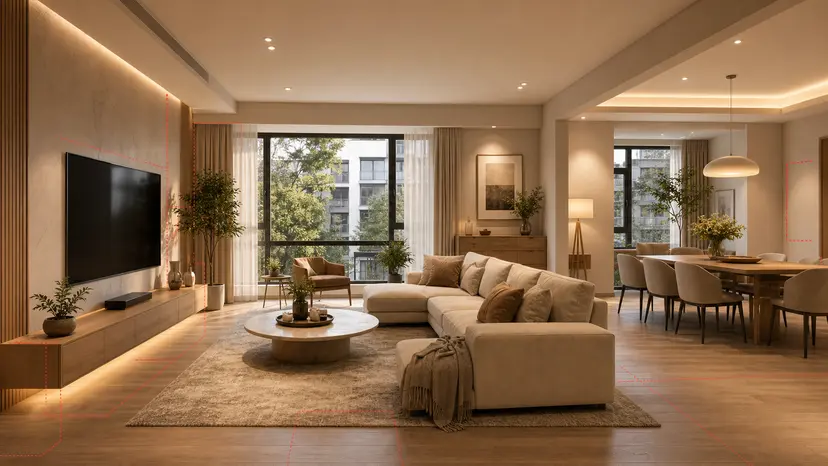
Transform spatial direction into a convincing room concept with materials, lighting, and styling that feel intentional.
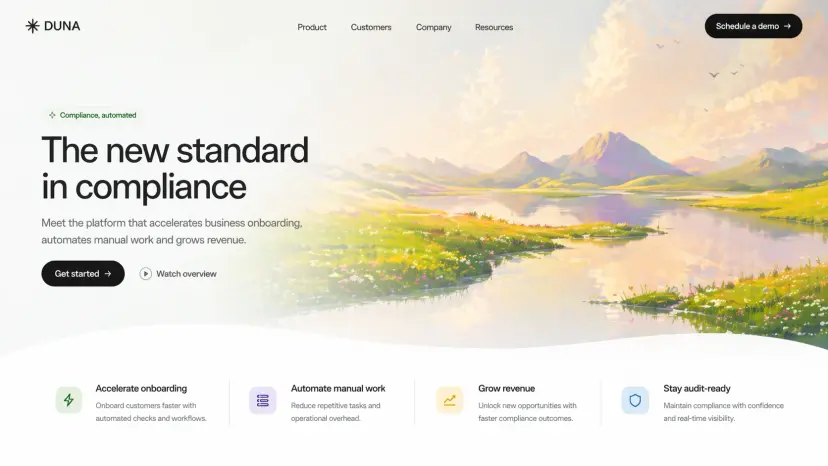
Compose interface states, component hierarchy, labels, and product storytelling with presentation-board clarity.
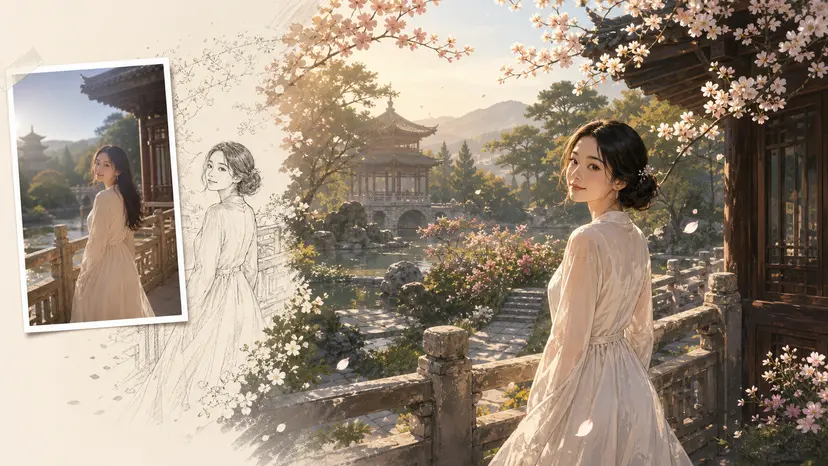
Reinterpret a reference photo with a defined architectural language while retaining the main spatial composition.
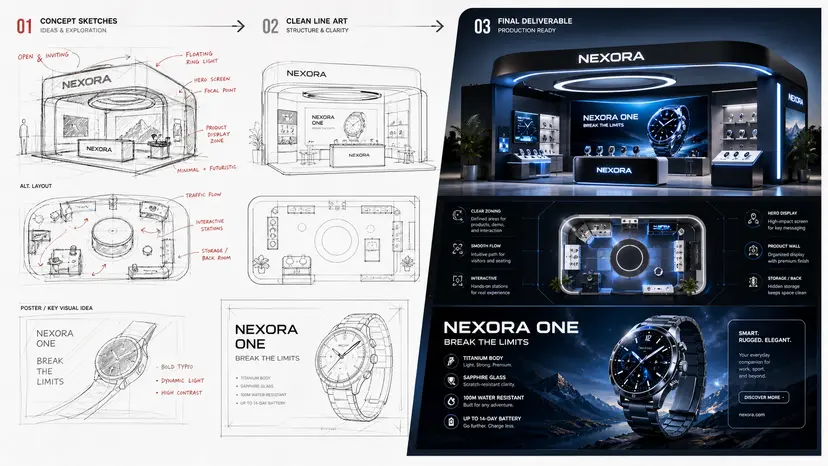
Develop an early sketch into a complete material, detail, annotation, and hero-render presentation.
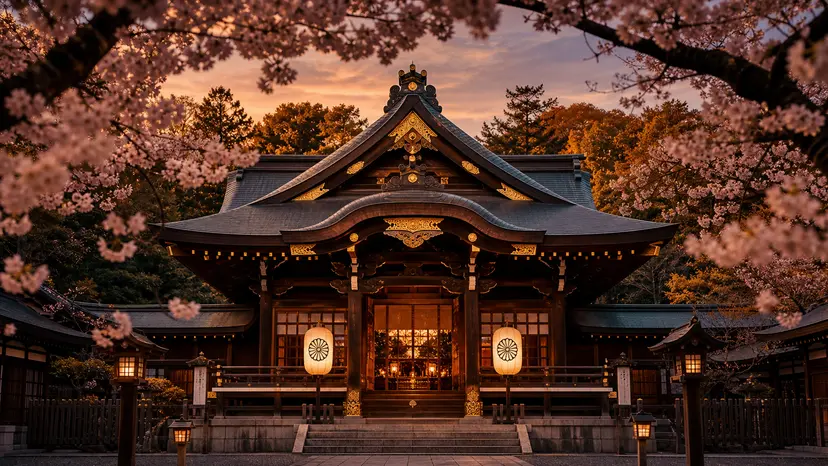
Direct realistic location, season, wardrobe, atmosphere, and lens choices with natural photographic detail.
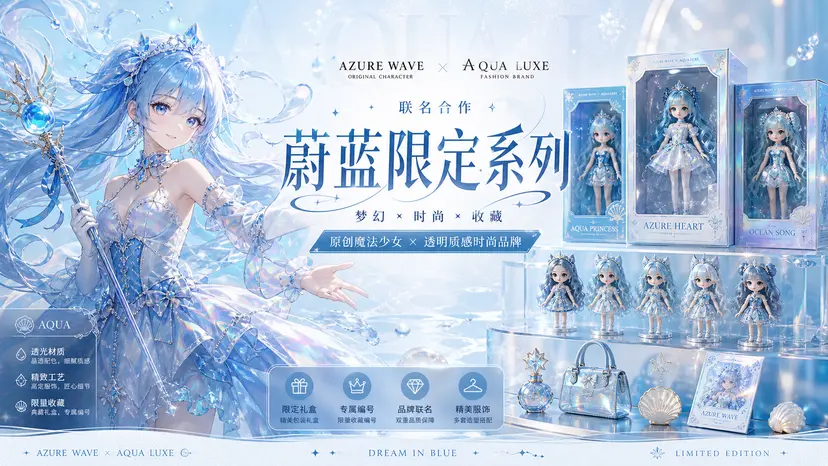
Coordinate character, product, logo area, campaign copy, and color system for an IP collaboration launch.
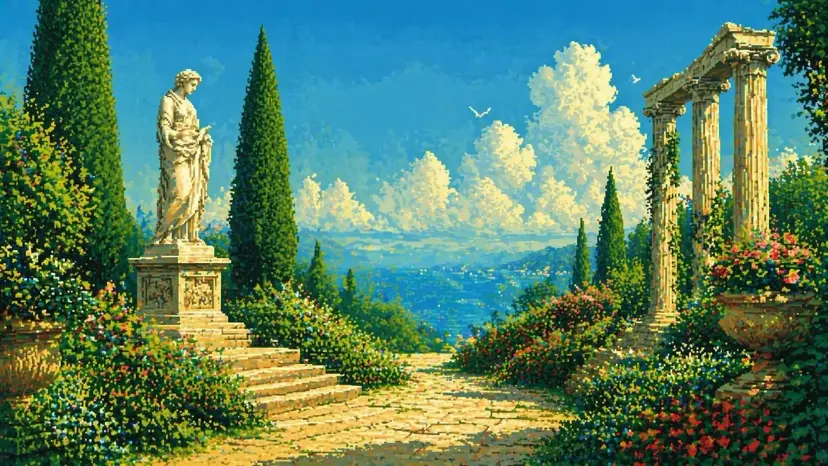
Lock a specific pixel vocabulary while still controlling architecture, vegetation, water, and scene depth.
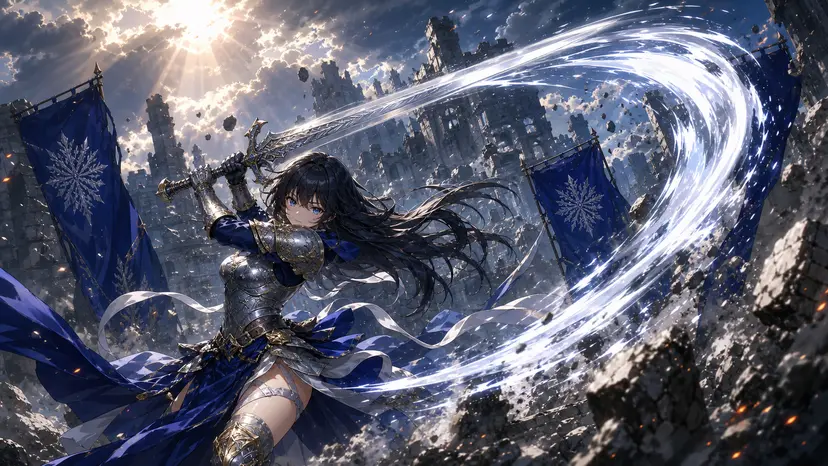
Control pose, weapon action, perspective, effects, and environmental drama without losing character focus.
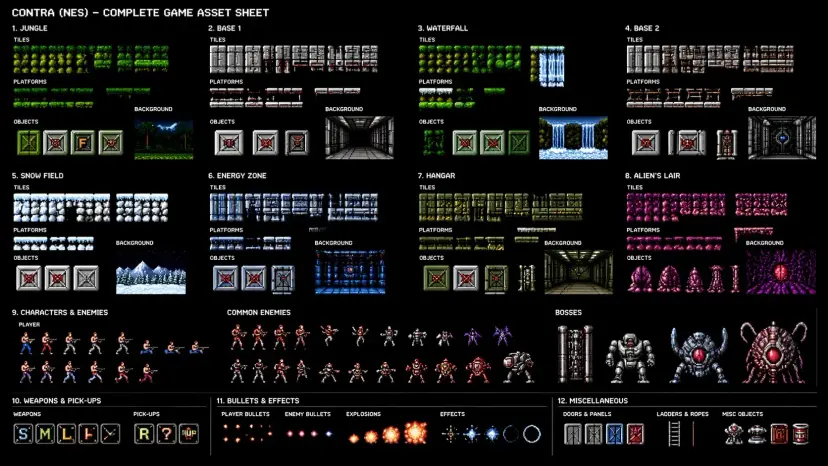
Create a coordinated set of objects, characters, environment tiles, and interface elements in one art system.
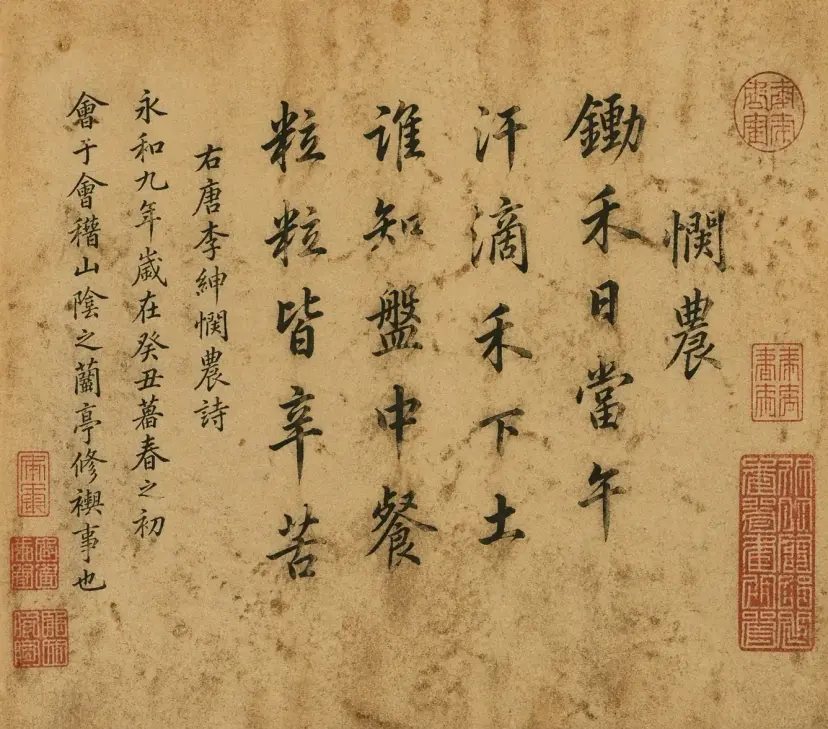
Use it for posters, information graphics, packaging, and presentation slides where readable words and hierarchy matter.
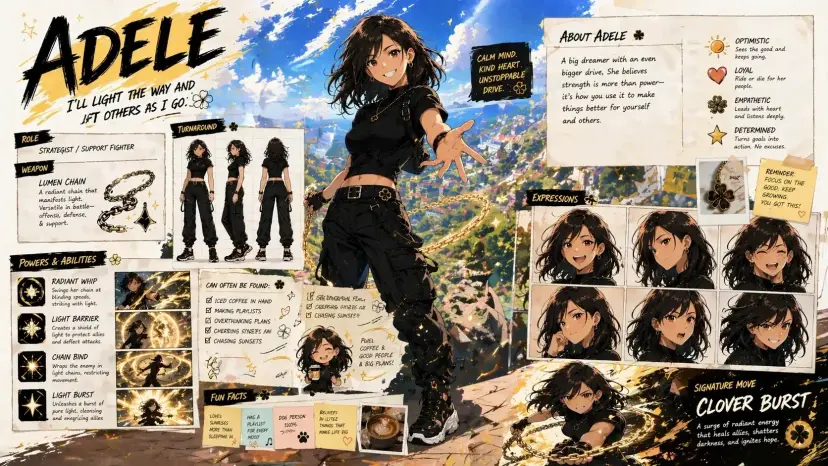
Describe subject, styling, layout, camera, copy, and constraints. The model can hold more of the complete direction together.
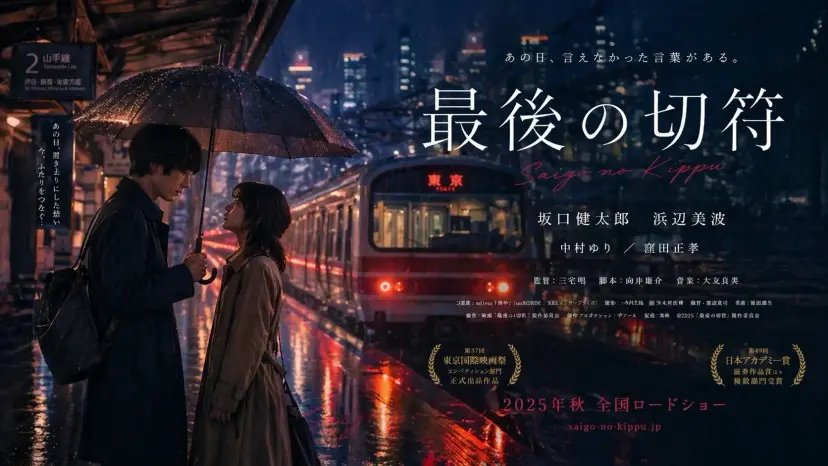
Move between editorial photography, watercolor diagrams, manga, pixel art, product campaigns, and spatial design.
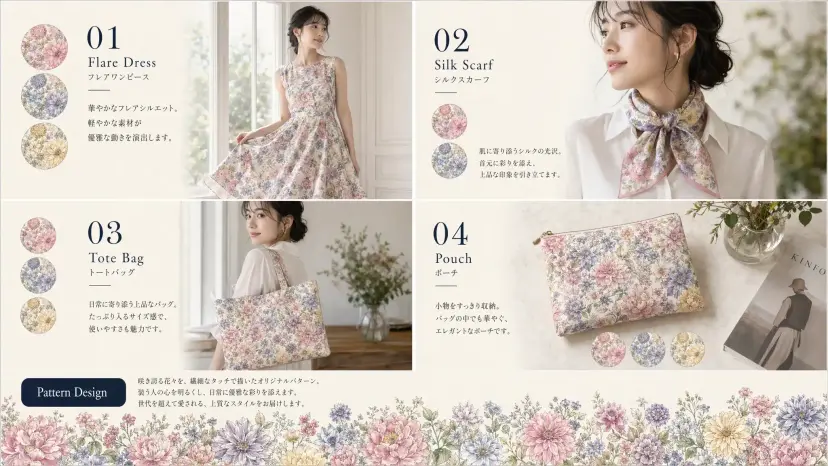
Generate presentation-ready design directions where grids, labels, hierarchy, and component relationships need to read clearly.
Choose the engine that matches the job instead of forcing one model into every workflow.
| Capability | GPT Image 2 | Nano Banana 2 |
|---|---|---|
| Best for | Final layouts, typography, structured design | Fast exploration and iterative reference edits |
| Text rendering | Strong for dense, readable copy | Good for posters and short labels |
| References | Multiple guided inputs | Fast multi-reference composition |
| Resolution | 1K and 2K | 1K, 2K, and 4K |
| Search grounding | No | Optional |
| Editing style | Precise final-pass changes | Rapid conversational iteration |
It is especially useful for briefs that combine image direction, readable text, structured layout, and multiple visual constraints.
Yes. Clear wording, hierarchy, language, placement, and font direction in the prompt improve the result.
Yes. Add a reference when you need editing, composition guidance, or a stronger connection to an existing visual.
Yes. Choose a square, portrait, landscape, or widescreen format before starting generation.
It can produce strong concept boards, interface mockups, campaign systems, packaging, and presentation-style layouts.
Describe the deliverable, audience, subject, layout, copy, style, and any hard constraints.
Yes. The examples cover photography, illustration, diagrams, pixel art, manga, interiors, and commercial graphic design.
Nano Banana 2 is a good choice for rapid reference-led exploration. GPT Image 2 is stronger when the final layout and text need tighter control. For new work after the official release, prefer GPT Image 2.5 when you want sharper fidelity and faster edits.
GPT Image 2.5 is the officially released successor with better detail, subject preservation, edit precision, and lower latency. Keep GPT Image 2 when you need continuity with an existing Image 2 series.
Start with a prompt, add a reference when useful, and keep the final composition under your control. For most new projects, switch to GPT Image 2.5.