
Seedream 5 Pro AI Image Generator
Build information-rich visuals, preserve reference structure, render multilingual text, and refine one detail without losing the rest.
10/image
Build information-rich visuals, preserve reference structure, render multilingual text, and refine one detail without losing the rest.
References, structured prompts, and production controls stay in one focused sequence.
Guide composition, characters, objects, palette, and material choices with up to ten references.
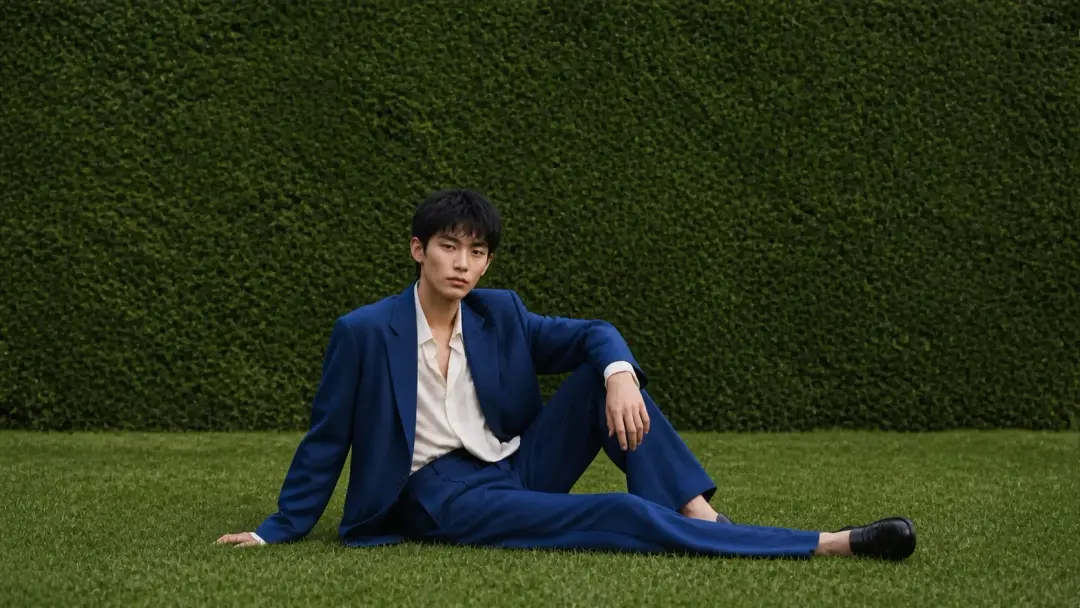
Describe the deliverable, content hierarchy, language, composition, and edit constraints.
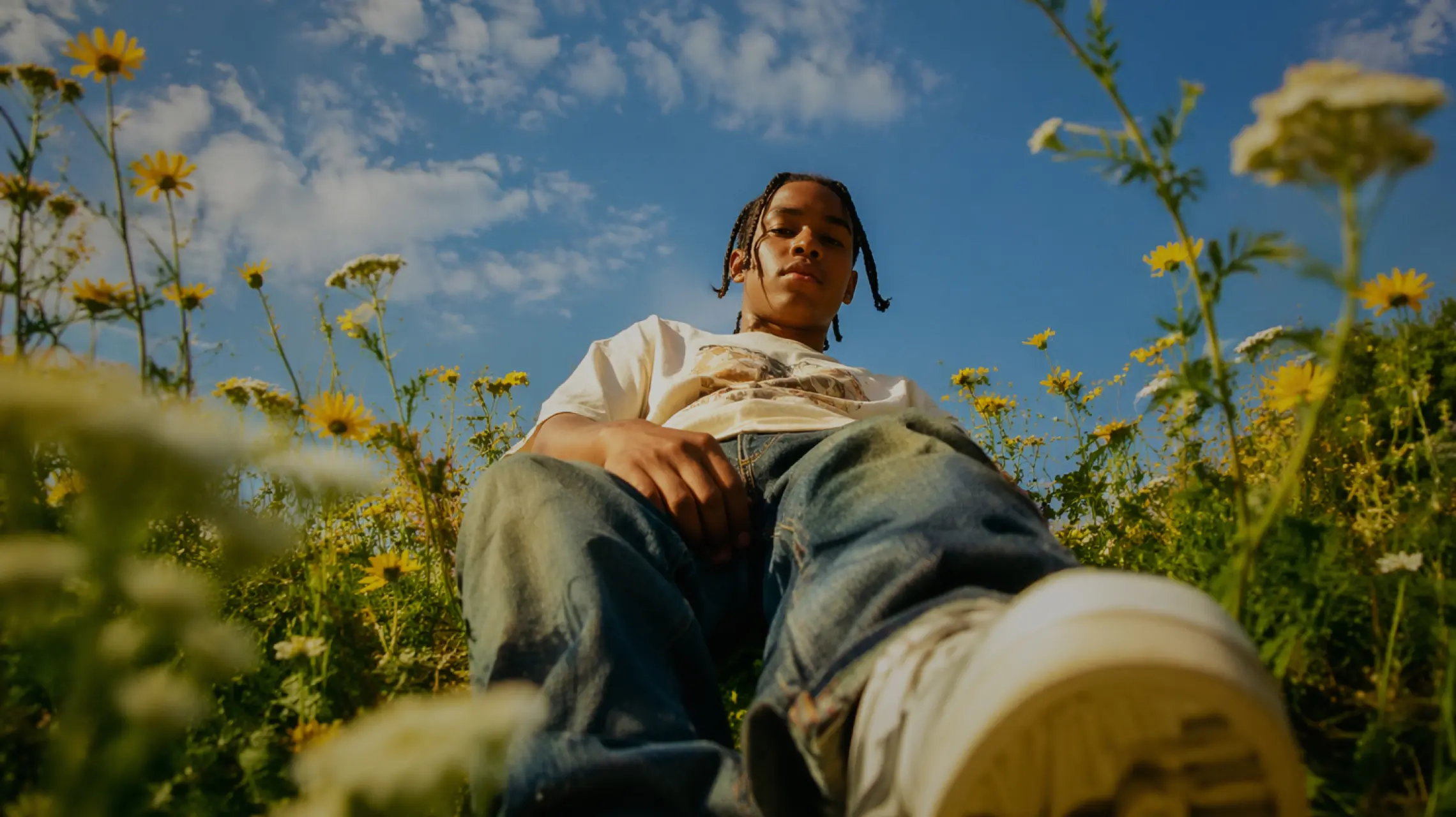
Keep the subject and composition. Shift the scene to a blue-hour moment after rain, with warm rim light and wet grass.
Choose the format and quality, review the result, then continue refining from the same workspace.
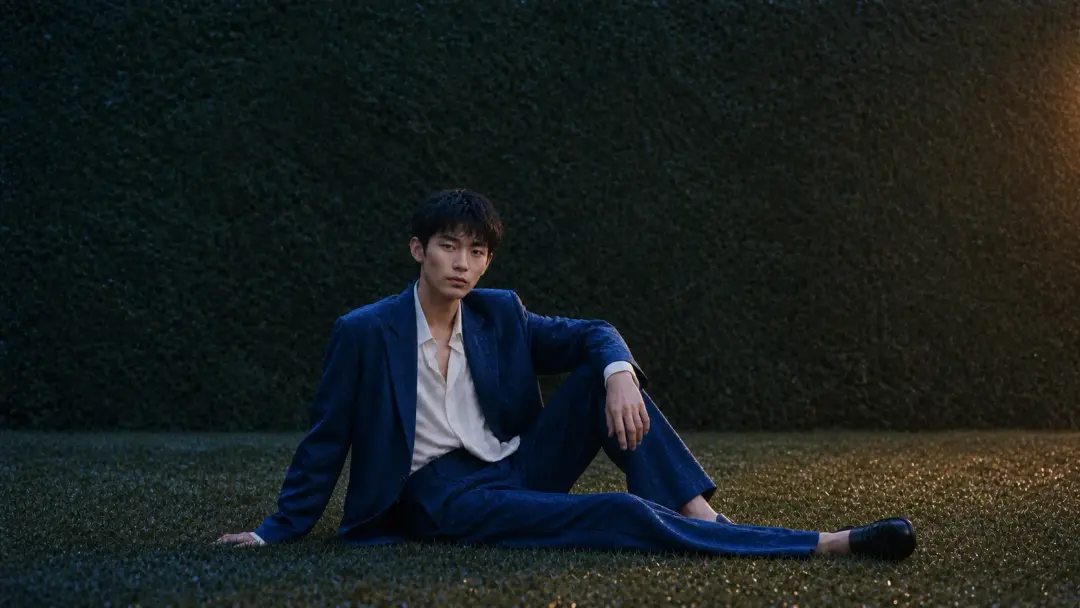
Detailed output for campaign, editorial, and information-rich design work.
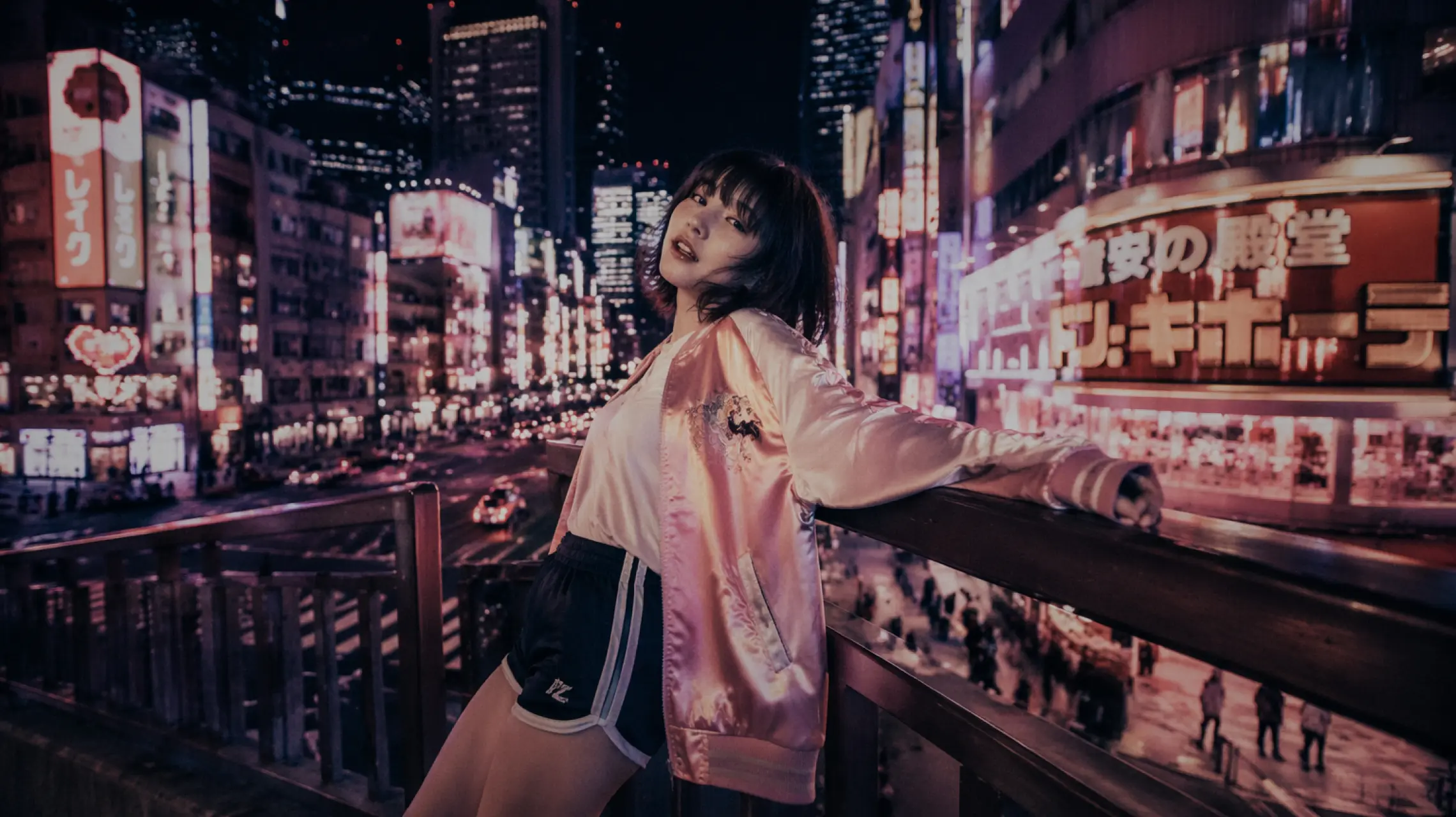
Place multilingual copy into signs, labels, menus, packaging, and diagrams.
Coordinate people, products, style, materials, and environment from multiple inputs.
Change a targeted area while preserving the broader scene and layout.
Plan hierarchy and relationships before rendering labels and visual detail.
Each section mirrors a production problem the model is designed to handle.
Build dense diagrams with a clear visual hierarchy, legible labels, material depth, and a coherent editorial system.
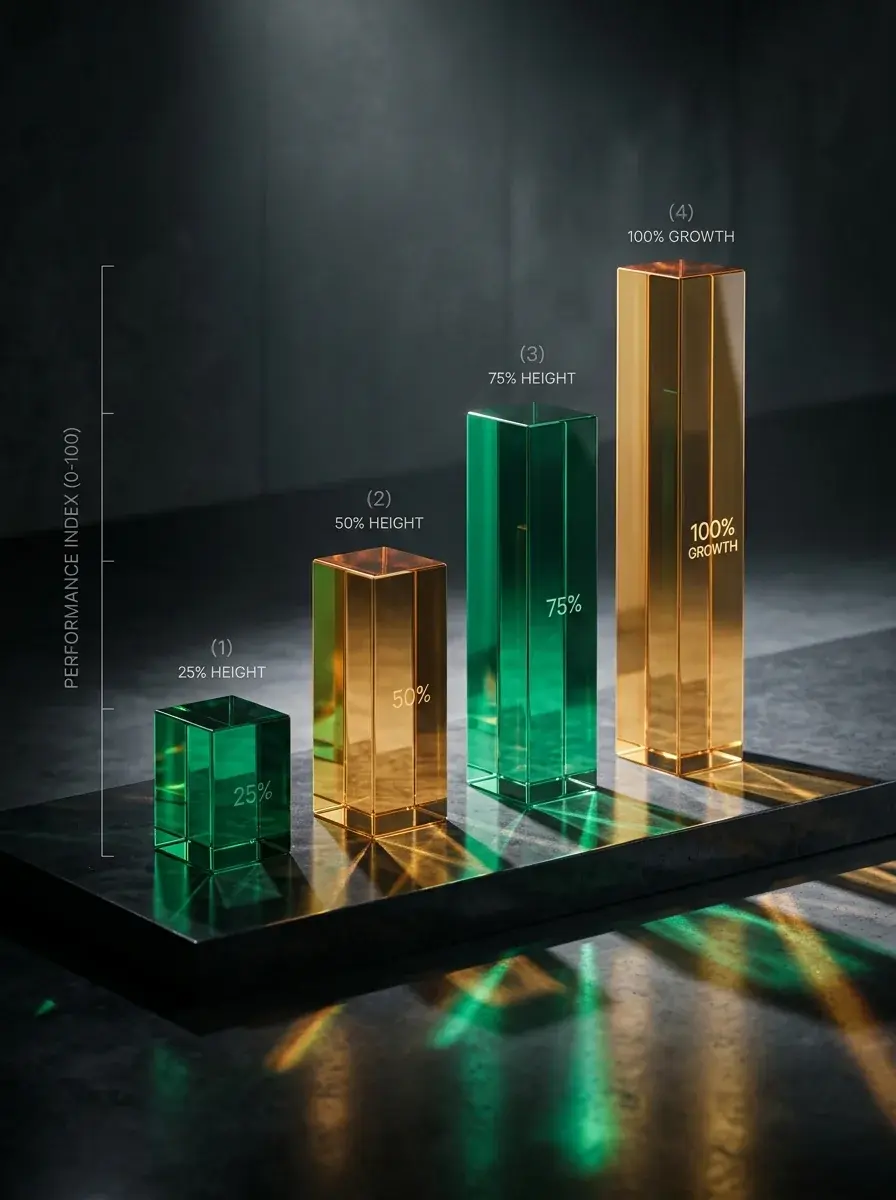
Adjust time of day, color direction, or one object while keeping composition and surrounding details stable.
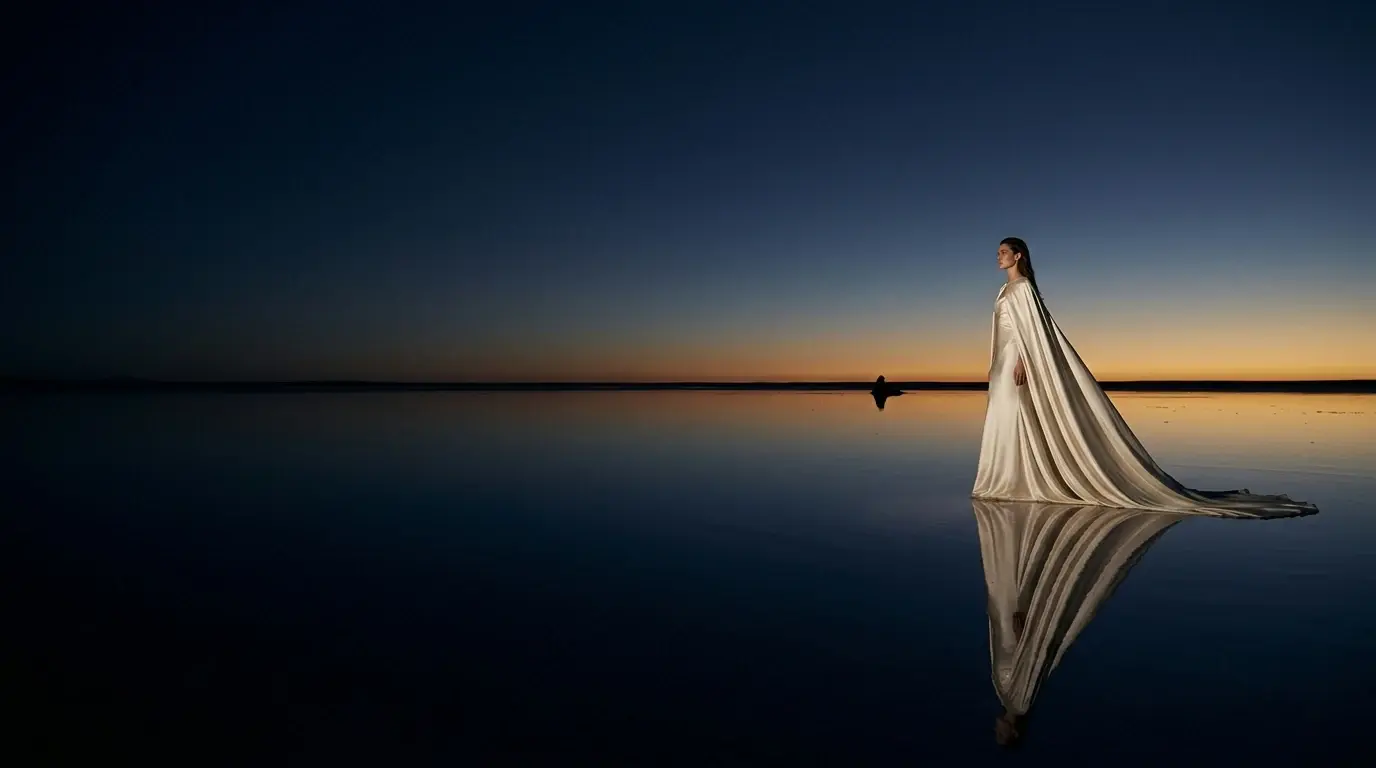
Organize mirrored geometry, spatial logic, and focal relationships before filling the scene with texture and light.
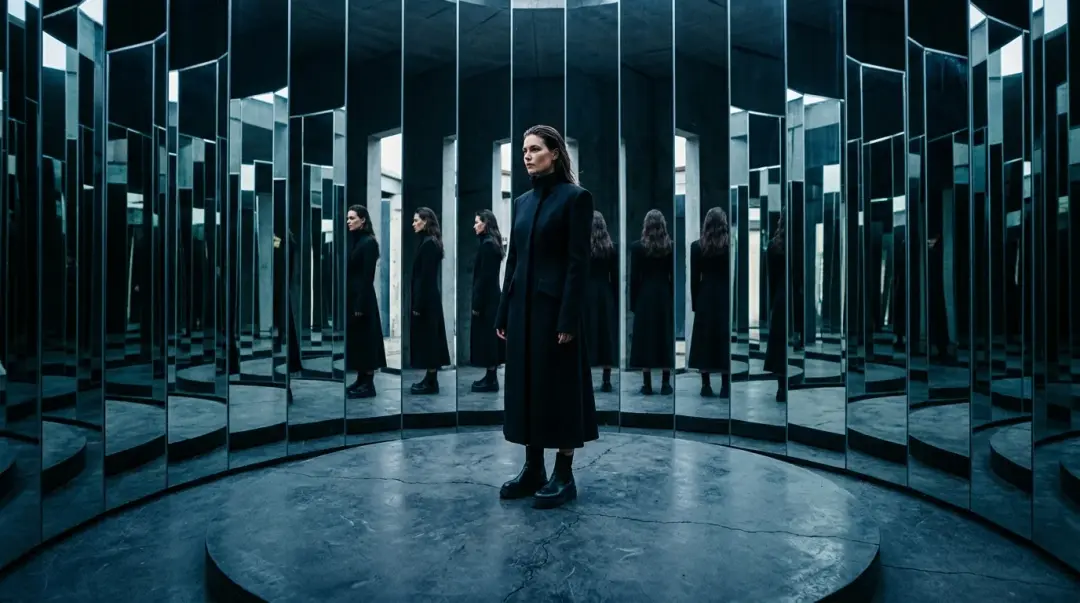
Create signs, packaging, menus, posters, and information graphics with multilingual copy placed directly in the scene.
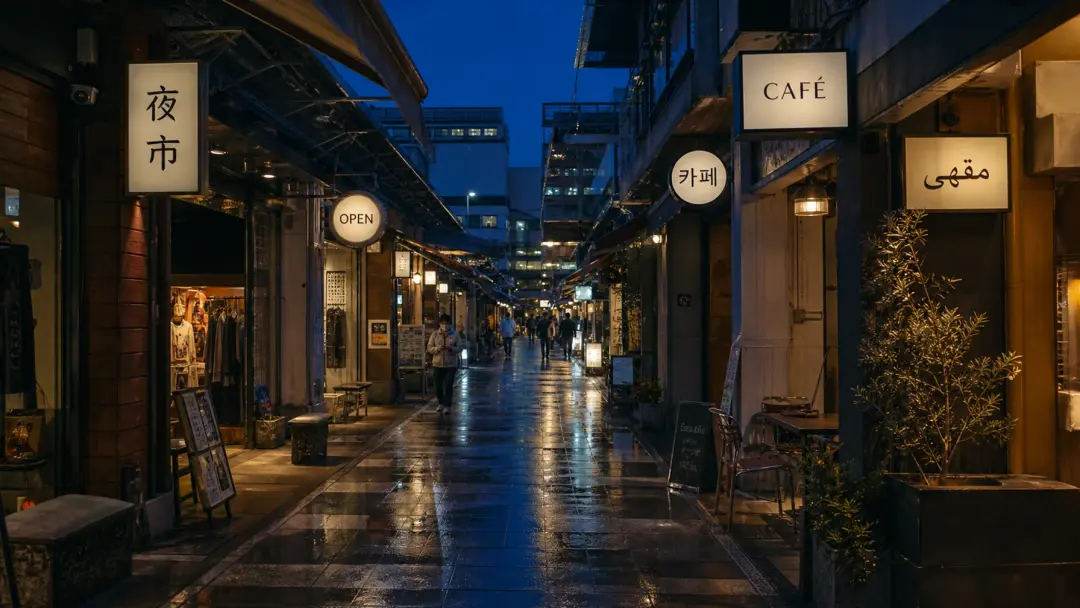
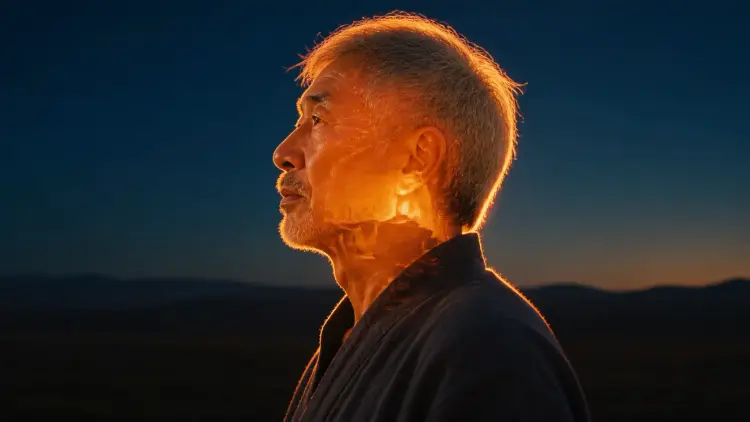
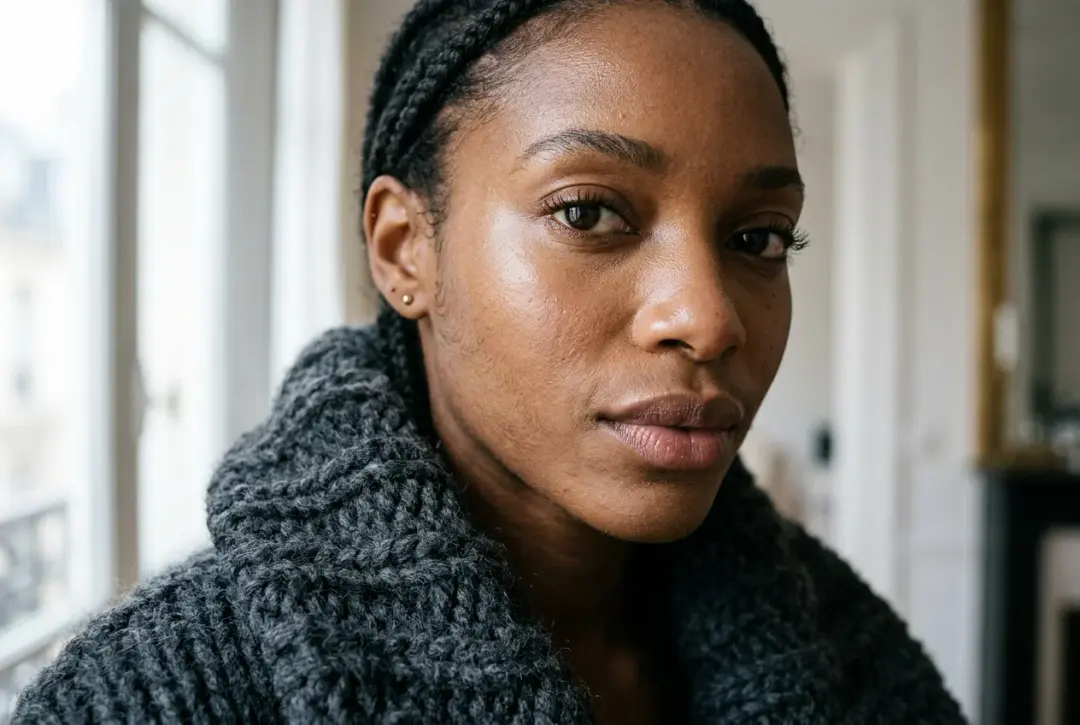
Natural skin, fabric, metal, glass, and reflected light hold up when the image is viewed at production size.
Use references, multilingual copy, and clear composition constraints in one generation flow.
It is strongest for dense information graphics, multilingual visual design, multi-reference composition, and targeted image editing.
The generation workflow supports up to ten reference images for a single task.
Yes. Upload a reference and describe the specific change while clearly stating what should remain unchanged.
Yes. It is designed for labels, signs, menus, packaging, posters, and information graphics in multiple languages.
Use the standard setting for exploration and the high setting for sharper 2K production output.
Multiple references help anchor identity, wardrobe, product form, palette, and material cues across the composition.
Name the exact element to change, describe the desired result, and explicitly list the composition or details that must remain stable.